
Quick Recommendations
Session
Flexible intervals, no guilt for stopping early, beautiful design.
Pomofocus
Web-based, simple, gets the job done. No app needed.
Flow
Auto-detects focus state and extends sessions. Smart.
The Short Version
Traditional Pomodoro (25 min work, 5 min break) doesn't always mesh with ADHD brains. We need flexible intervals, low setup friction, and—critically—no guilt when we inevitably modify the timer. After testing 5 different Pomodoro apps, the winner was Session for its flexibility and ADHD-friendly approach.
The Pomodoro Problem for ADHD
The traditional Pomodoro technique has issues for us:
- 25 minutes is arbitrary — Sometimes we hyperfocus for 3 hours. Sometimes 10 minutes is all we've got.
- Strict timers create anxiety — The ticking countdown can feel like pressure, not support.
- Break enforcement is weird — Forcing a break when we're finally in flow? No thanks.
- Guilt spirals — "Failing" at a 25-minute session feels bad. RSD makes it worse.
The best ADHD Pomodoro timers understand this. They're flexible, forgiving, and don't make us feel bad for having brains that work differently.
What We Tested
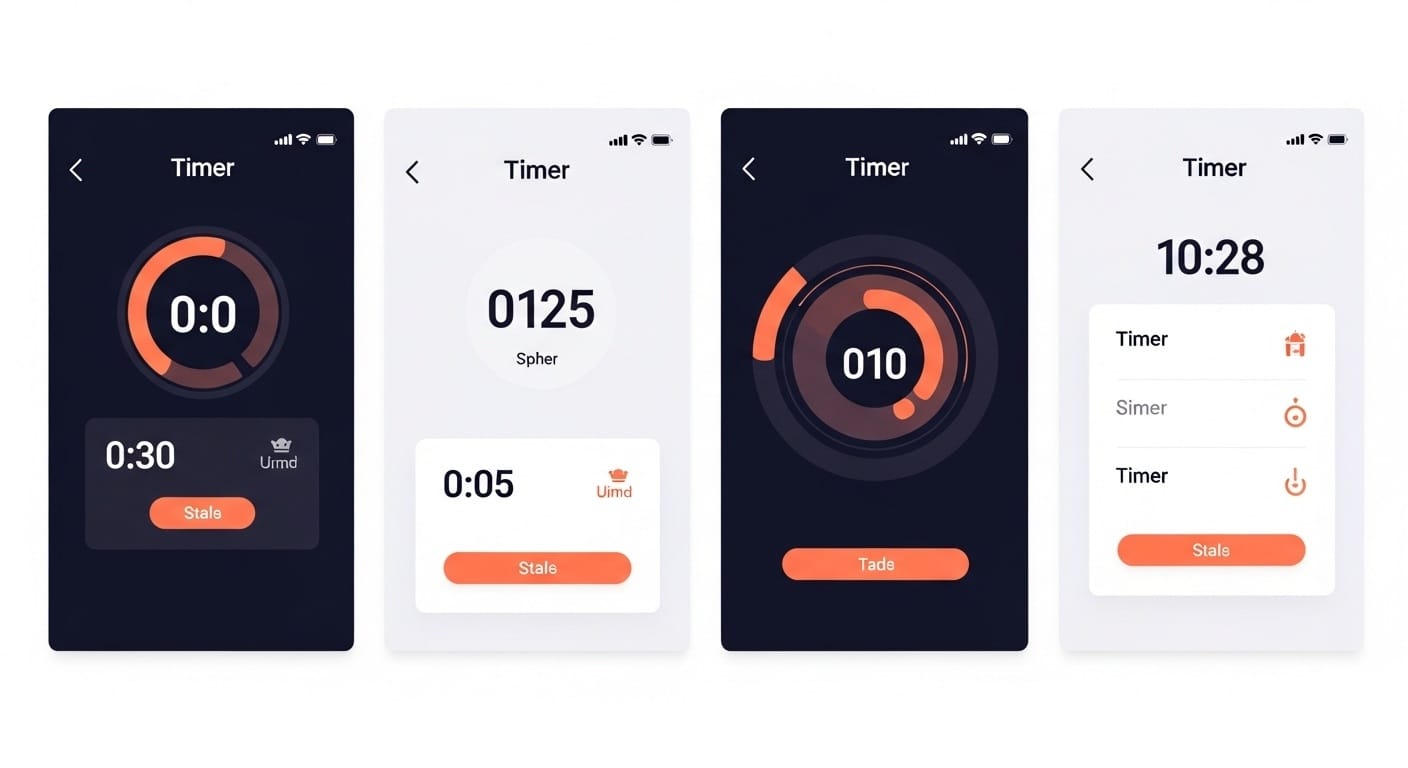
| App | Price | Platform |
|---|---|---|
| Session | $5/month or $40/year | Mac, iOS |
| Flow | $2.99 one-time | Mac |
| Pomofocus | Free | Web |
| Be Focused | Free with Pro upgrade | Mac, iOS |
| Forest | $3.99 | iOS, Android |
#1: Session (Top Pick)
Session
The most ADHD-friendly timer we tested. Flexible intervals from 5-60+ minutes. Beautiful minimal design. Calendar integration shows you what you accomplished. No guilt mechanics.
Price: $5/month or $40/year
Why it works for ADHD:
- Customize session length (not locked to 25 min)
- Gentle sounds, not aggressive alarms
- "Intentions" feature helps with task initiation
- Stopping early doesn't feel like failure
- Mac menu bar integration = low friction
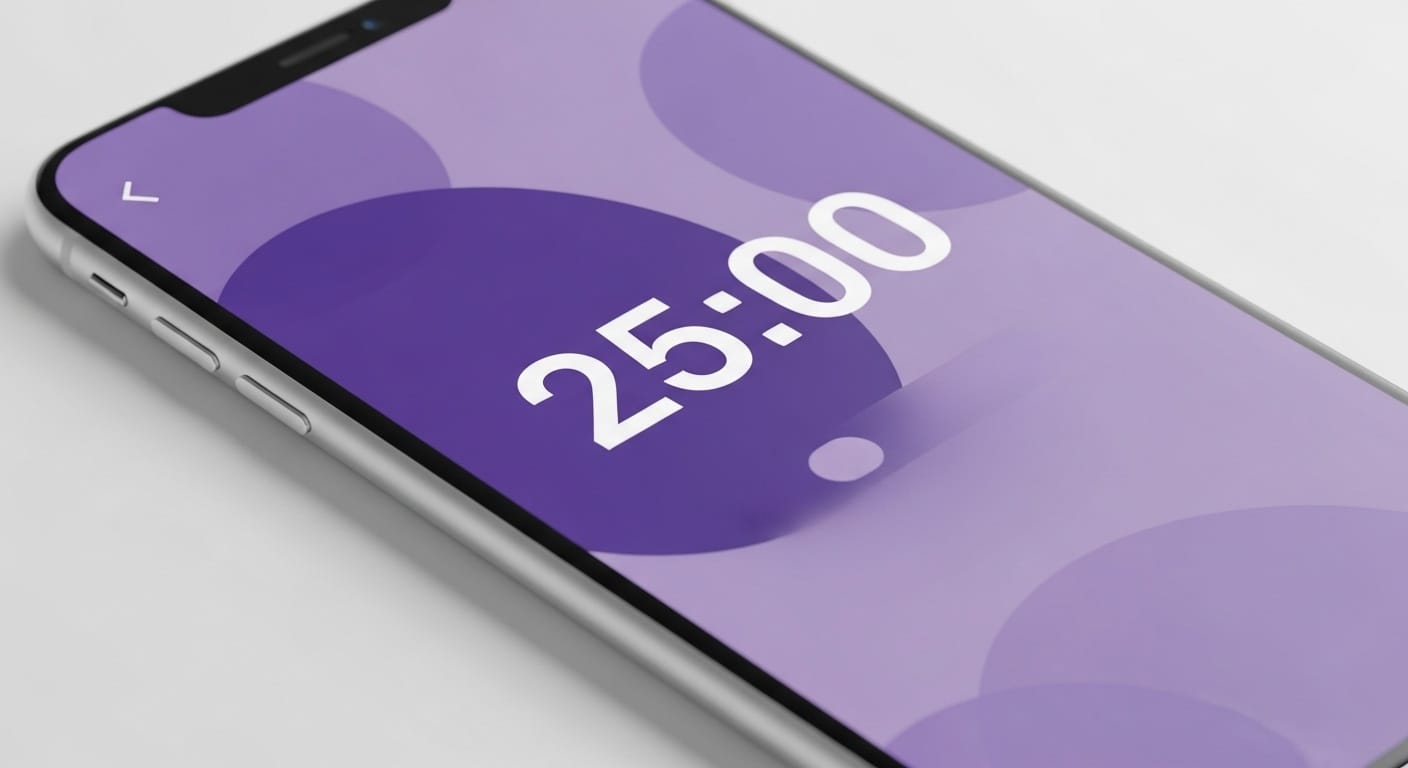
Time on task improvement: +18% vs. no timer
#2: Flow (Best for Hyperfocus)
Flow
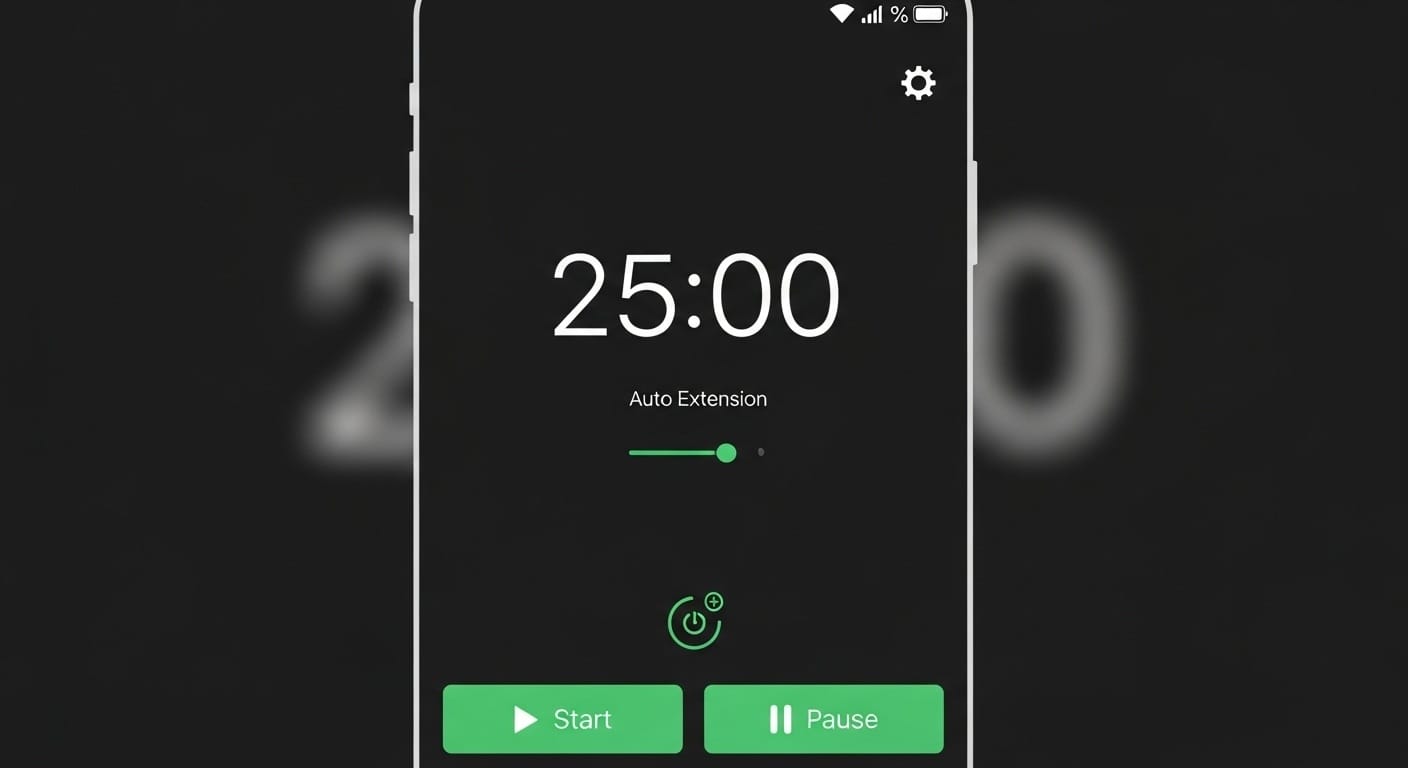
Auto-extends sessions when it detects you're focused (based on activity). Won't interrupt hyperfocus. One-time purchase.
Price: $2.99 one-time
Why it works for ADHD:
- Smart break suggestions (doesn't force)
- Detects when you're "in flow" and doesn't interrupt
- Website blocking built in
- One-time purchase (no subscription fatigue)
Time on task improvement: +14% vs. no timer
#3: Pomofocus (Best Free)
Pomofocus
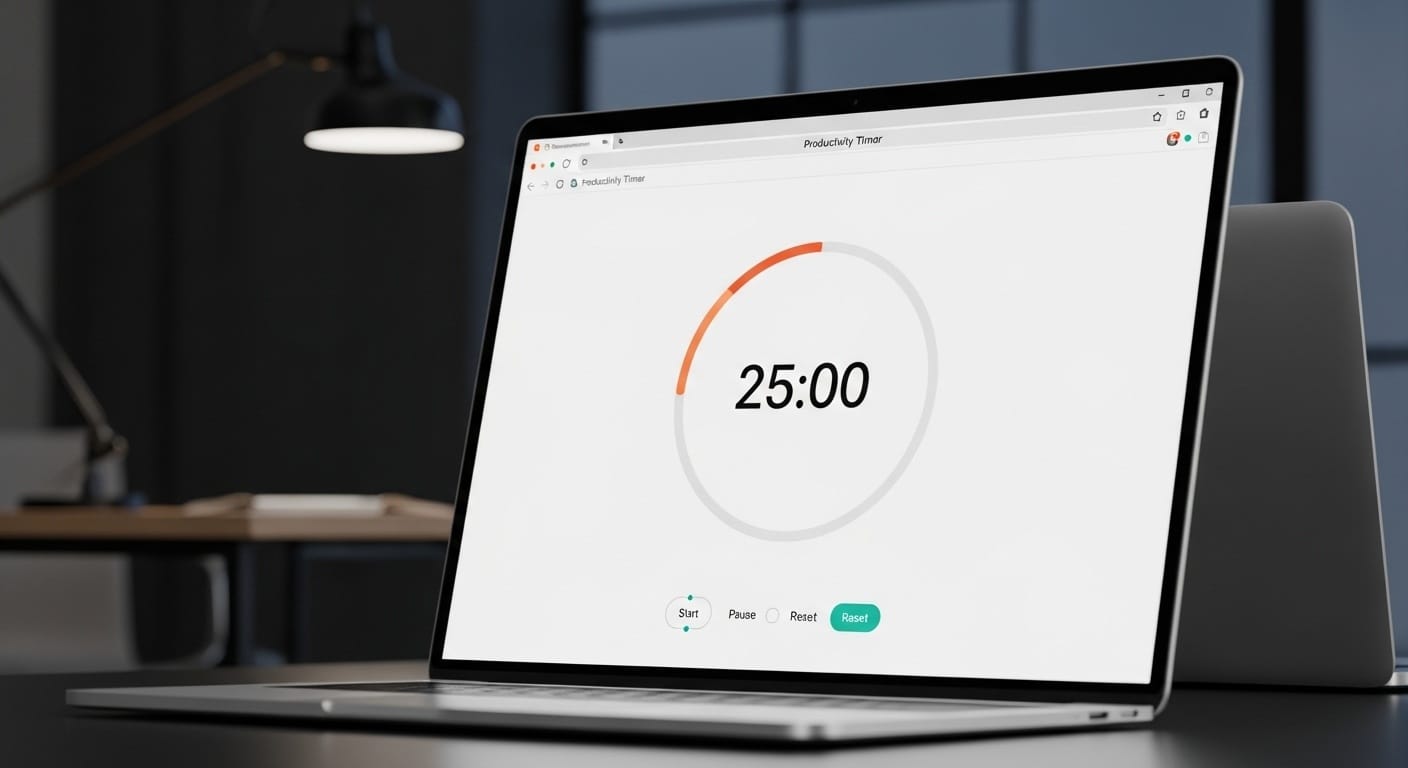
Free web-based timer. No account needed. Customizable intervals. Simple and functional. Nothing fancy, but it works.
Price: Free
Why it works for ADHD:
- Zero friction (just open the website)
- Customizable times
- Task list built in
- No account required
Time on task improvement: +11% vs. no timer
#4: Be Focused
Be Focused
Solid free option with pro features. Good for people who want traditional Pomodoro with tracking. Less flexible than Session.
Price: Free (Pro upgrade available)
#5: Forest (Not Our Favorite for This)
Forest (as Pomodoro)
Great phone-locking app. Not great as a Pomodoro timer. The guilt mechanic (tree death) doesn't mesh well with the flexibility ADHD needs.
See our full Forest review for more.
ADHD-Specific Timer Features to Look For
What We Looked For
-
Flexible Intervals
Can you set 5 minutes? 45? 2 hours? We need options.
-
Low Setup Friction
If starting a timer takes 5 steps, we won't use it.
-
No Guilt Mechanics
Stopping early shouldn't feel like failure.
-
Gentle Notifications
Aggressive alarms create anxiety. Gentle sounds work better.
Final Verdict

If you can afford a subscription: Session is the most ADHD-friendly timer we tested.
If you want free: Pomofocus does the job without any friction.
If you hyperfocus often: Flow is smart enough to not interrupt you.
Disclaimer: We're not doctors or productivity experts. Just ADHD people testing stuff.